Competitor advertising can help you understand which problems a market is talking about and how companies present their solutions. You do not need access to a competitor’s account to examine much of its public creative.
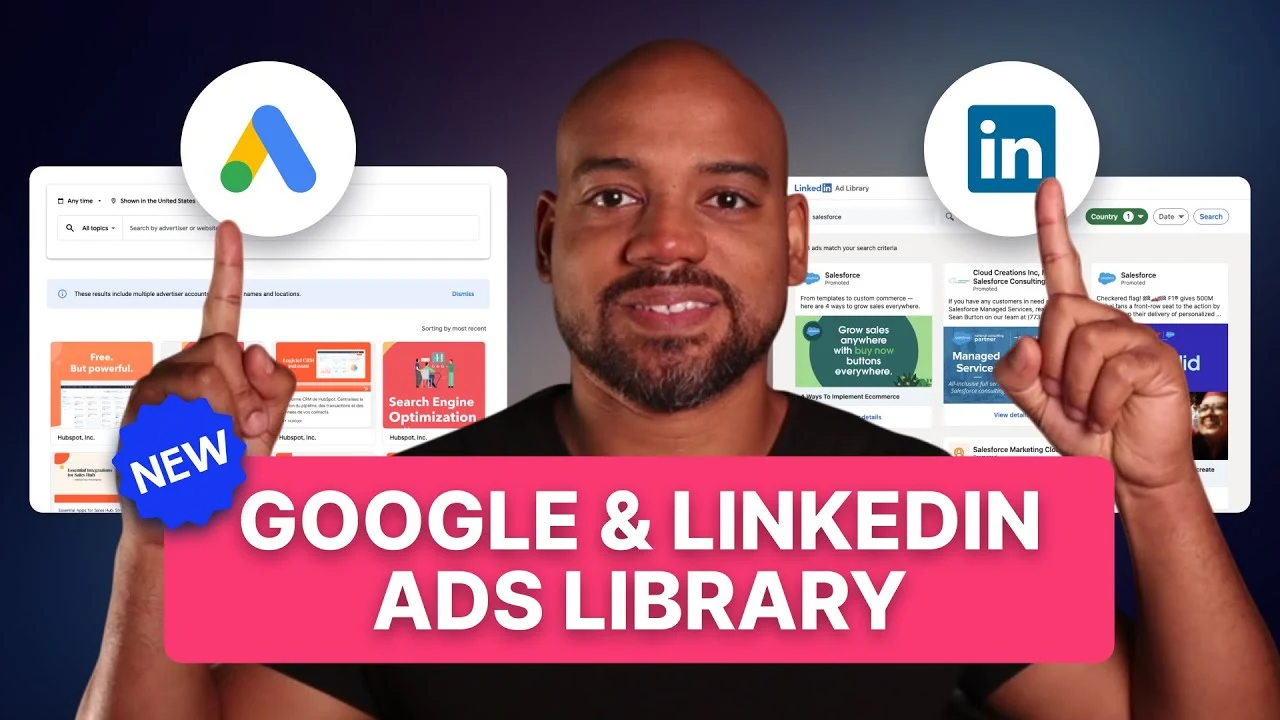
The accompanying video demonstrates a research process using LinkedIn’s Ad Library and Google’s Ads Transparency Center. The useful output is a set of observations and testable ideas, not a claim that you have discovered a competitor’s exact budget or best-performing campaign.
Start with a research question
Decide what you want to learn before collecting examples. You might be comparing offers, looking for common objections, studying creative formats, or checking how specific messages connect to landing pages.
A clear question keeps the work from becoming an unstructured collection of screenshots. For each useful example, note the advertiser, source link, observation date, message, offer, and destination where available.
You can then compare patterns across several examples rather than overreacting to one striking advertisement.
Use LinkedIn to explore B2B messages and offers
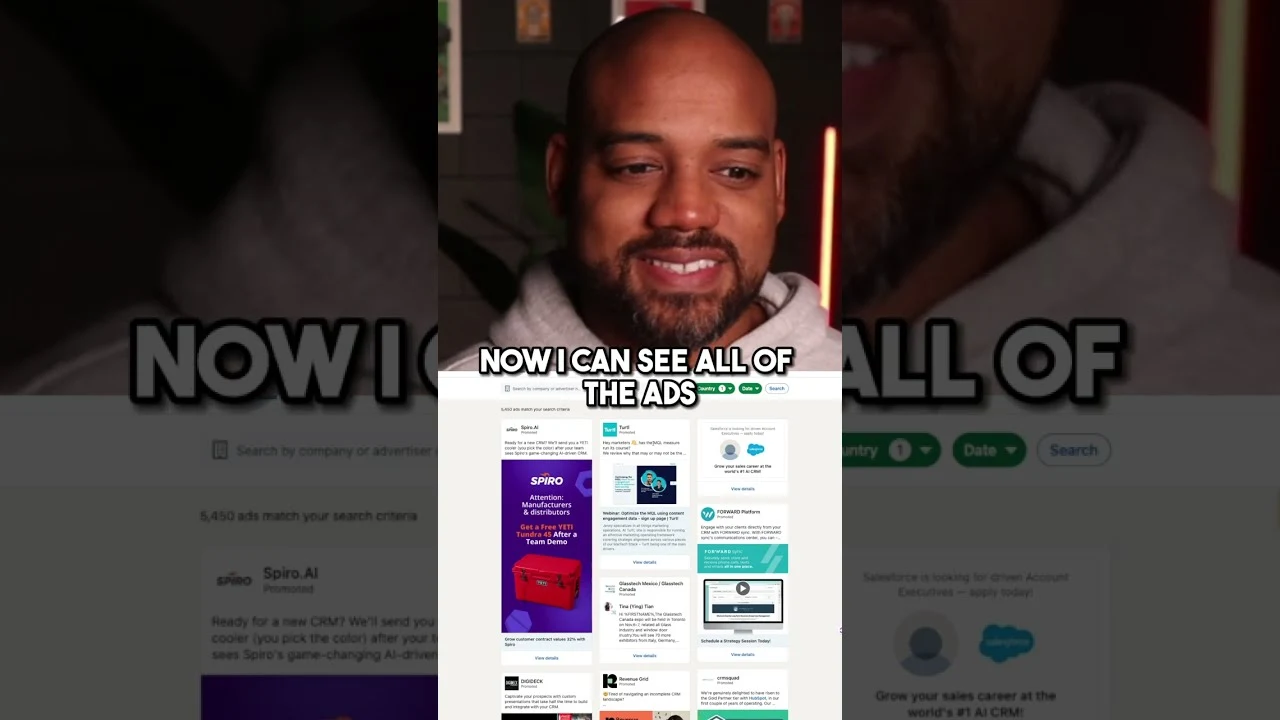
LinkedIn’s Ad Library guidance describes searches by advertiser, keyword, country, and date range. That makes it possible to look at a known competitor or explore language associated with a category.
In the original video, searches around CRM and healthcare marketing reveal different offers, including resources and educational material. The analysis focuses on the problems those offers address and the audience they appear intended to help.
For your own research, ask:
- What problem is made explicit in the ad?
- Who would recognize that problem as relevant?
- What does the company offer in exchange for attention or action?
- Is the message introducing a category, explaining a difference, or asking for a sales conversation?
Those questions connect creative research to the stages of a B2B marketing funnel.
Use Google to compare formats and positioning
The Google Ads Transparency Center allows advertiser or website searches. Google’s advertiser verification guidance also explains filtering by serving region and date.
Review how the same company describes its product across the available text, image, and video examples. A short search-style message may emphasize a specific category, while a video spends more time introducing the product or explaining a problem.
Record the language and offer you can actually see. Ad copy may suggest a keyword theme, but it does not prove the exact keywords, match types, or search terms used in the campaign.
The point is to understand the company’s public positioning and identify questions worth testing in your own account.
Follow the message to the destination
Where the landing page is accessible, inspect the full journey. Does the page continue the promise made by the ad? Does it provide a resource directly, request contact information, explain the product, or ask for a demo?
The video uses this step to distinguish educational offers from more direct commercial actions. That is useful because the same creative format can serve very different purposes depending on the destination.
A hypothetical ad offering a practice-growth guide could lead to a downloadable resource or a form. Those are observable differences. Whether the advertiser later uses remarketing is an inference unless you have additional evidence.
Separate observation from assumption
Public libraries reveal some information and leave other questions unanswered. They do not provide a complete explanation of campaign performance.
Avoid treating the number of visible ads as proof of spend. Do not assume a frequently repeated message is profitable. Do not label a campaign remarketing merely because its creative looks suitable for a warm audience.
Instead, write the distinction clearly: the ad uses a customer quote; the page asks for a demo; the campaign may be intended for buyers already familiar with the product. The first two statements are observations. The third is a hypothesis.
This discipline also helps avoid the common B2B advertising mistakes that come from making decisions without enough context.
Turn research into an original experiment
Choose one useful principle rather than copying a competitor’s wording or design. For example, you might test whether a clearer product demonstration helps your audience understand a complex feature, or whether a more specific resource offer improves qualified engagement.
Define the intended audience and business outcome before launching. Competitor research supplies ideas; your own customers and results determine whether those ideas deserve further investment.
Watch the original LinkedIn and Google ad library walkthrough on YouTube for the recorded research examples.
FAQ
Can ad libraries show a competitor’s exact targeting?
The information varies by platform and jurisdiction. Do not infer a complete targeting setup from creative alone. Use only the fields actually provided for the ad you are reviewing.
Can I identify winning ads from the library?
You can identify patterns worth investigating, but visibility or repetition does not prove profitable performance. Public libraries do not replace account-level results.
Should I copy a competitor’s offer?
Use the research to understand the buyer problem and develop your own credible offer. It needs to fit your product, evidence, and audience.
Want to turn competitive research into better campaign decisions? GET MY FREE PIPELINE AUDIT.